
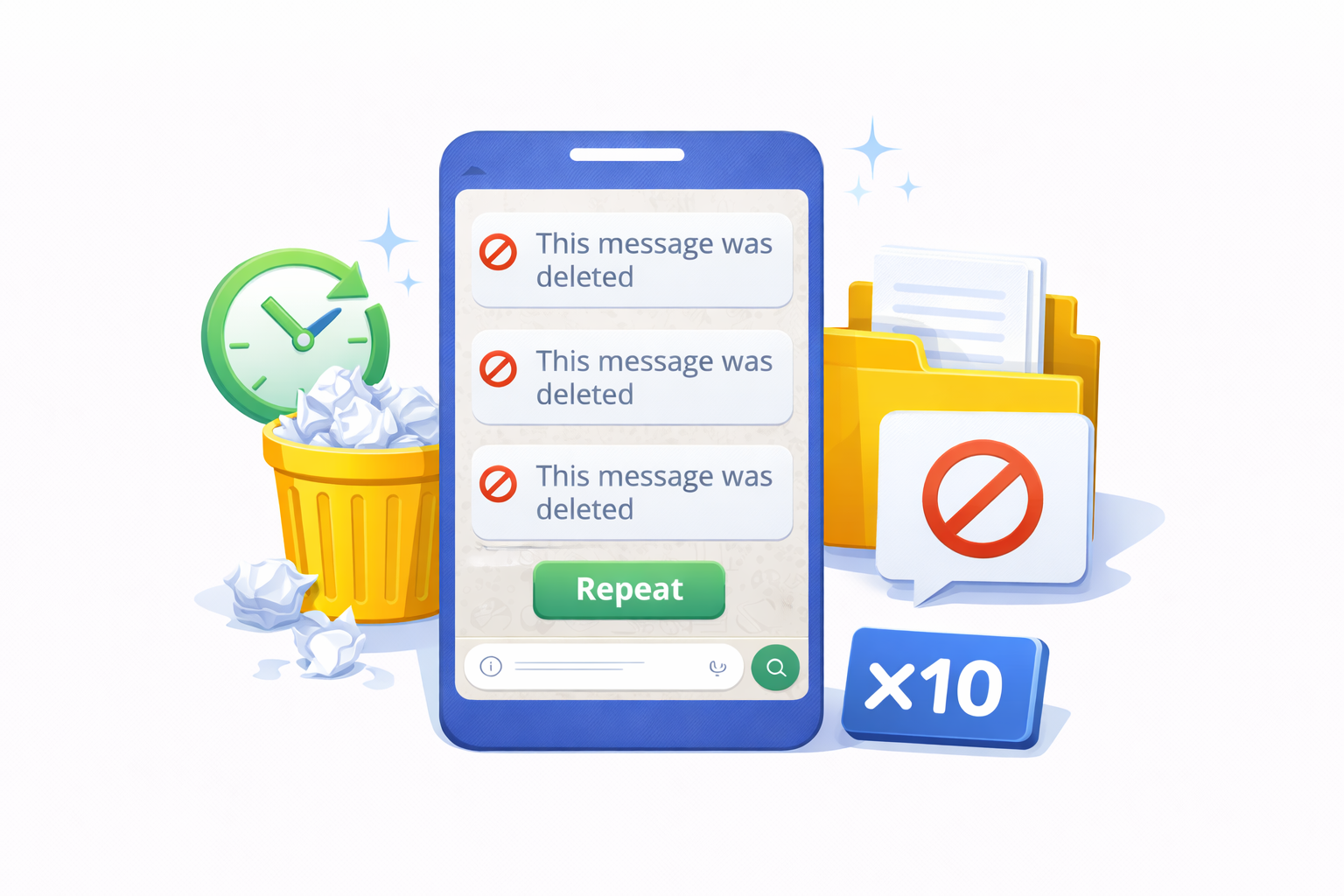
Create “This message was deleted” text online for WhatsApp. Copy or send the formatted message instantly with one click.
⦸ This message was deleted Generator
The This Message Was Deleted Generator is a simple online tool that allows you to create the popular WhatsApp-style text “This message was deleted” instantly. With just one click, you can copy the formatted message or send it directly to WhatsApp without installing any app.
This tool is designed for entertainment, demonstrations, UI mockups, and creative use cases. It works directly in your browser and supports the exact formatting commonly seen in WhatsApp chats.
What Is “This Message Was Deleted” on WhatsApp?
On WhatsApp, the phrase “This message was deleted” appears when a sender removes a message for everyone in a conversation. This feature is widely known and instantly recognizable by WhatsApp users worldwide.
Because of its familiarity, the phrase is often used for jokes, screenshots, UI previews, or content creation. The This Message Was Deleted Generator helps you recreate that text quickly and accurately, without editing images or typing special symbols manually.
How the Generator Works
Using this tool is extremely straightforward. Everything happens directly in your browser, which means no downloads and no registration.
- The tool automatically prepares the deleted message text.
- Click the copy button to save the formatted text to your clipboard.
- Alternatively, use the send button to open WhatsApp with the text pre-filled.
The output includes the correct symbol and italic formatting, making it look natural when pasted into WhatsApp chats.
Main Features
- No installation required – works online
- Instant copy to clipboard
- Direct WhatsApp sharing
- Clean and minimal interface
- Mobile and desktop friendly
Because the tool is lightweight, it loads quickly and performs well even on slower internet connections.
Common Use Cases
People use this generator for various harmless and creative purposes. Some of the most common examples include:
- Creating WhatsApp UI mockups for presentations
- Designing tutorials or blog screenshots
- Lighthearted jokes among friends
- Testing chat layouts in web or app design
- Educational demonstrations about messaging apps
The tool does not access or modify real conversations. It simply generates text that you can use wherever appropriate.
Is This Tool Safe to Use?
Yes. The This Message Was Deleted Generator runs entirely on the client side. It does not store data, track conversations, or connect to your WhatsApp account.
All actions happen locally in your browser, ensuring privacy and security. There is no login process, and no personal information is required.
Compatibility and Device Support
This tool works on most modern browsers, including Chrome, Firefox, Safari, and Edge. It is fully responsive, so you can use it comfortably on smartphones, tablets, or desktop computers.
For the best experience, make sure your browser supports clipboard access and pop-ups for WhatsApp sharing.
Why Use an Online Generator Instead of Manual Editing?
Manually recreating WhatsApp-style messages often requires copying symbols, adjusting formatting, or using image editors. This process can be time-consuming and inconsistent.
An online generator simplifies everything into a single click. The formatting remains consistent, and the result looks cleaner when shared or copied.
Important Notes and Responsible Use
This tool is intended for entertainment, educational, and design-related purposes only. It should not be used to mislead, impersonate, or deceive others in a harmful way.
Always use generated content responsibly and respect platform policies and local regulations.
Frequently Asked Questions
Does this tool delete real WhatsApp messages?
No. The generator only creates text. It cannot delete or modify actual WhatsApp messages.
Can I use this on my phone?
Yes. The tool is fully mobile-friendly and works on Android and iOS browsers.
Is the formatting compatible with WhatsApp?
The generated text uses symbols and formatting that display correctly when pasted into WhatsApp chats.
Do I need to install anything?
No installation is required. Everything works online.
Conclusion
The This Message Was Deleted Generator is a fast and convenient way to create WhatsApp-style deleted message text. With its simple interface, instant sharing options, and browser-based operation, it offers an efficient solution for users who need accurate message formatting without unnecessary complexity.
Whether you are creating a mockup, preparing a tutorial, or just experimenting with chat text, this tool helps you get the result instantly.
1 thought on “This Message Was Deleted Generator | Create WhatsApp Deleted Text”
Comments are closed.