
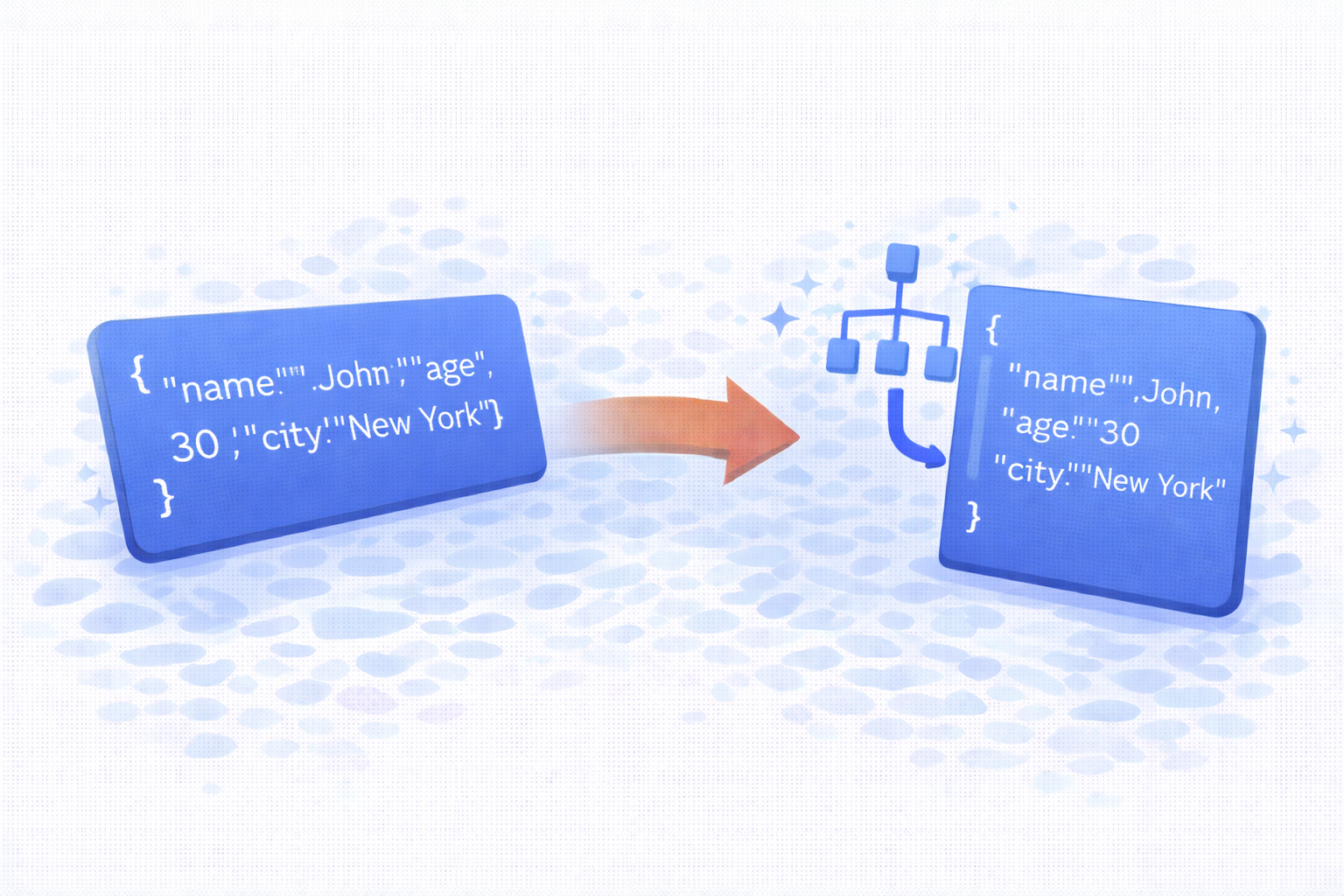
Clean, validate, and format JSON-LD structured data instantly with a fast JSON-LD formatter. Improve readability, reduce errors.
A JSON-LD formatter is an essential tool for developers, SEO specialists, and website owners who work with structured data. JSON-LD (JavaScript Object Notation for Linked Data) is widely used to help search engines understand website content more accurately. However, raw or poorly formatted JSON-LD can be difficult to read, debug, and maintain. This is where a reliable JSON-LD formatter becomes extremely valuable.
In this article, you will learn what a JSON-LD formatter is, why it matters for SEO, how it works, and how you can use it to improve your structured data without relying on external APIs or complex tools.
What Is JSON-LD?
JSON-LD is a lightweight data format used to represent linked data on the web. It is most commonly embedded inside a <script type="application/ld+json"> tag and is recommended by Google for implementing structured data.
Unlike Microdata or RDFa, JSON-LD does not interfere with HTML markup. Because of this separation, it is easier to manage, update, and debug. However, as JSON-LD grows in size or complexity, formatting becomes critical to avoid syntax errors and misinterpretation by search engines.
What Is a JSON-LD Formatter?
A JSON-LD formatter is a tool designed to:
- Format JSON-LD into a clean, readable structure
- Validate JSON syntax to prevent errors
- Minify JSON-LD for production use
- Highlight syntax for easier debugging
By formatting JSON-LD correctly, developers and SEO professionals can quickly verify whether structured data is valid and well-organized before deploying it to a live website.
Why JSON-LD Formatting Matters for SEO
Search engines rely heavily on structured data to understand the context of web pages. Incorrect or invalid JSON-LD can cause rich results to fail or be ignored entirely. A proper JSON-LD formatter helps prevent these issues by ensuring your structured data is clean and valid.
Here are several SEO-related benefits of using a JSON-LD formatter:
- Reduced errors: Catch missing commas, brackets, or quotation marks early.
- Improved readability: Makes it easier to audit structured data.
- Faster debugging: Quickly locate problems in large JSON-LD blocks.
- Better collaboration: Clean formatting helps teams work together efficiently.
While formatting alone does not guarantee higher rankings, it significantly reduces the risk of structured data implementation errors that could affect search visibility.
How a JSON-LD Formatter Works
Most JSON-LD formatters operate entirely in the browser. They typically follow this simple process:
- Accept raw JSON-LD input from the user
- Parse the JSON to validate its structure
- Reformat the JSON with proper indentation
- Display the formatted output instantly
Because JSON-LD is plain JSON, a formatter does not need a server or database. This makes client-side tools faster, safer, and more privacy-friendly.
Common Use Cases for a JSON-LD Formatter
A JSON-LD formatter is useful in many real-world scenarios, including:
- Formatting Schema.org markup for blog posts
- Validating product structured data for e-commerce
- Cleaning organization or breadcrumb schema
- Debugging FAQ or HowTo structured data
- Optimizing JSON-LD before publishing to WordPress
Whether you are working on a small personal blog or a large commercial website, properly formatted JSON-LD helps maintain consistency and accuracy.
JSON-LD Formatter vs JSON Validator
Although the two terms are often used together, they are not exactly the same. A JSON validator focuses only on whether the JSON syntax is valid, while a JSON-LD formatter goes a step further by restructuring the data into a readable format.
Ideally, a good JSON-LD formatter includes validation as part of the formatting process. This combination ensures that the output is both readable and error-free.
Best Practices When Using a JSON-LD Formatter
To get the most value from a JSON-LD formatter, follow these best practices:
- Always validate JSON-LD before publishing
- Use consistent indentation (2 or 4 spaces)
- Keep schema types relevant to page content
- Remove unused or duplicate properties
- Test formatted JSON-LD with search engine tools
Formatting should be part of a broader structured data workflow that includes testing and regular audits.
Using a Browser-Based JSON-LD Formatter
Modern browser-based JSON-LD formatters are lightweight and efficient. Since all processing happens locally, your data never leaves your device. This is especially important when working with sensitive or unpublished content.
These tools are ideal for WordPress users because they can be used without installing plugins or third-party services. Simply format the JSON-LD, copy the output, and paste it into your website.
Final Thoughts
A JSON-LD formatter is a simple yet powerful tool for anyone working with structured data. By improving readability, reducing errors, and streamlining validation, it helps ensure that your JSON-LD markup is clean and reliable.
Whether you are optimizing for SEO, debugging schema issues, or preparing structured data for production, using a JSON-LD formatter should be a standard step in your workflow. Clean data leads to better understanding by search engines, smoother development, and fewer mistakes over time.
If you frequently work with structured data, having a fast, client-side JSON-LD formatter can save hours of manual troubleshooting and significantly improve the quality of your implementations.