
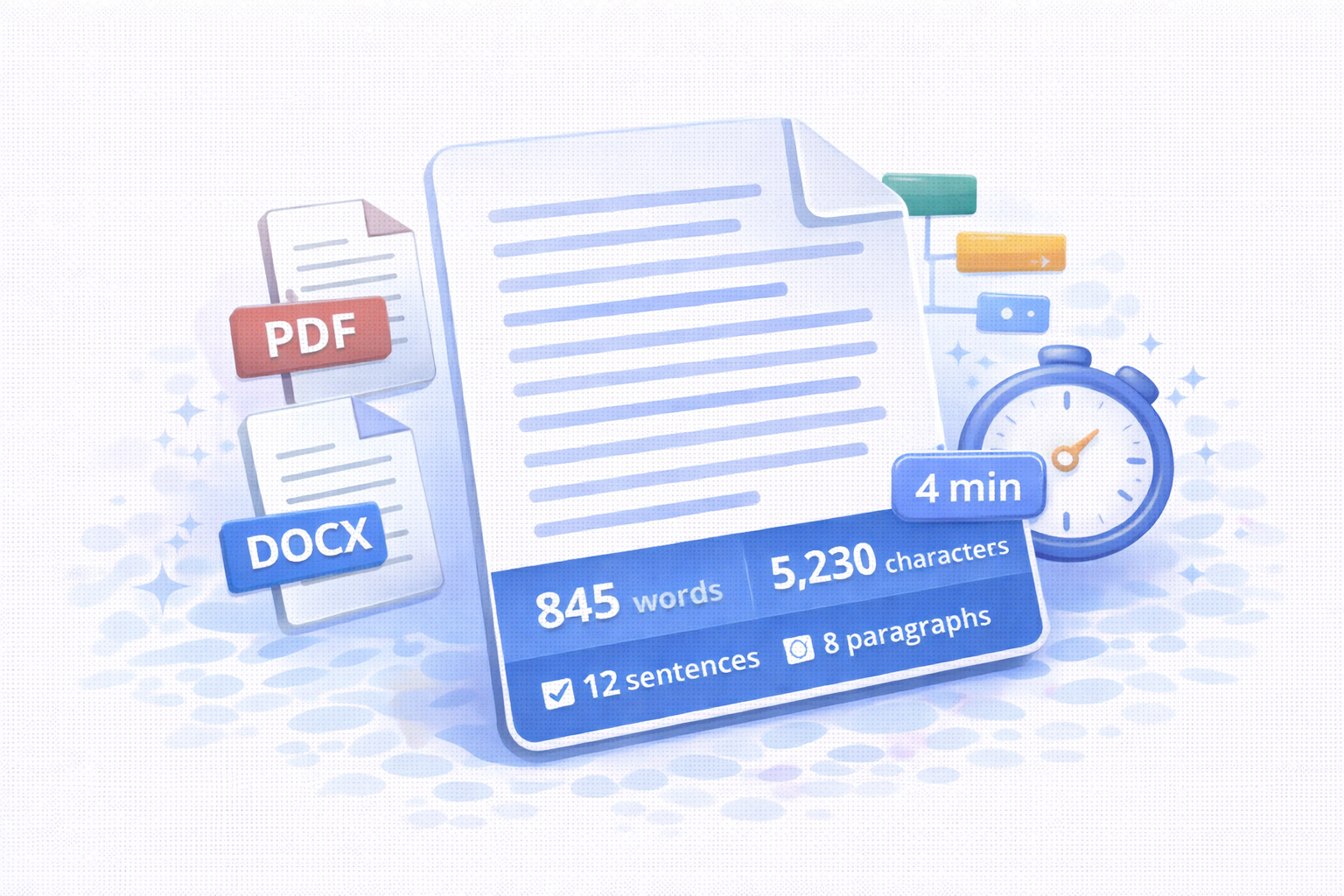
Free word counter online. Count words, characters, sentences, paragraphs, upload PDF or DOCX, and estimate reading time instantly.
A word counter is an essential tool for writers, students, bloggers, and SEO professionals. It helps you instantly calculate the number of words, characters, sentences, and paragraphs in your text. Whether you are writing an academic paper, a blog post, or marketing content, knowing your word count and estimated reading time can significantly improve content quality and clarity.
Our free word counter online is designed to be fast, accurate, and easy to use. You can type directly into the editor, paste text from another source, or upload documents such as PDF, DOCX, and TXT files. Everything runs directly in your browser, so your documents are never uploaded to a server.
What Is a Word Counter?
A word counter is a digital tool that analyzes text and provides detailed statistics about its structure. At the most basic level, it counts how many words appear in a document. However, modern tools go far beyond simple word counting. They also measure characters, sentences, paragraphs, and even estimate how long it will take someone to read the text.
These metrics are important because many platforms and institutions enforce content length rules. For example, students often need to meet a minimum or maximum word count, while bloggers and SEO writers aim for an ideal reading length that keeps users engaged.
Why Word Count Matters for Writing and SEO
Word count plays a critical role in both readability and search engine optimization. Search engines tend to favor well-structured content that fully answers a user’s query. Text that is too short may lack depth, while text that is too long can overwhelm readers.
By using a word counter tool, you can adjust your content length to match your goals. For SEO-focused writing, combining word count with estimated reading time helps you create content that feels balanced, informative, and user-friendly.
Key Features of This Word Counter Tool
- Accurate word counting with real-time updates
- Character count, including spaces
- Sentence and paragraph detection
- Reading time estimation based on global standards
- PDF, DOCX, and TXT upload
- Stopwords exclusion for SEO-focused analysis
- 100% browser-based, no data upload required
Upload and Count Words in PDF Documents
One of the most powerful features of this tool is the ability to upload PDF files. Many writers and professionals work with PDFs such as reports, research papers, and eBooks. Instead of manually copying text, you can upload the file and instantly see the total word count.
The tool extracts readable text from each page and combines it into a single analysis. This makes it ideal for academic use, content audits, and document reviews. Please note that scanned PDFs containing only images may not produce text results without OCR.
DOCX and TXT File Support
In addition to PDFs, the word counter also supports DOCX and TXT files. DOCX files are commonly used in Microsoft Word and Google Docs exports. Once uploaded, the text is analyzed immediately without formatting distractions.
TXT files are processed even faster and are perfect for plain-text content, code documentation, or drafts without styling.
Reading Time Calculator Explained
The reading time feature estimates how long it takes an average reader to finish your text. This tool uses a standard reading speed of approximately 200 words per minute, which is widely accepted for English-language content.
Displaying reading time is especially useful for blogs and online articles. It sets clear expectations for readers and can improve engagement by letting users know how much time they need to invest before starting.
Exclude Stopwords for SEO Analysis
Stopwords are common words such as “the,” “and,” or “of.” While they are essential for natural language, they are often ignored in SEO analysis. This tool allows you to exclude common English stopwords from the word count, giving you a clearer picture of meaningful keyword usage.
This feature is particularly helpful for content optimization, keyword density checks, and on-page SEO improvements.
Who Should Use This Word Counter?
- Students working on essays and assignments
- Bloggers optimizing post length and readability
- SEO writers analyzing content structure
- Researchers reviewing academic documents
- Content editors auditing large files and PDFs
Privacy and Security
Your privacy is important. All text processing happens locally in your browser. No files or text content are uploaded, stored, or shared with any server. This makes the tool safe to use even for sensitive documents.
Conclusion
A reliable word counter is a must-have tool for anyone who writes or edits text regularly. With support for document uploads, reading time estimation, and SEO-focused analysis, this tool provides everything you need in one simple interface. Whether you are counting words in a PDF or optimizing a blog post, you can rely on this word counter to deliver fast and accurate results.
1 thought on “Word Counter Online | Count Words, PDF Files & Reading Time Instantly”
Comments are closed.