
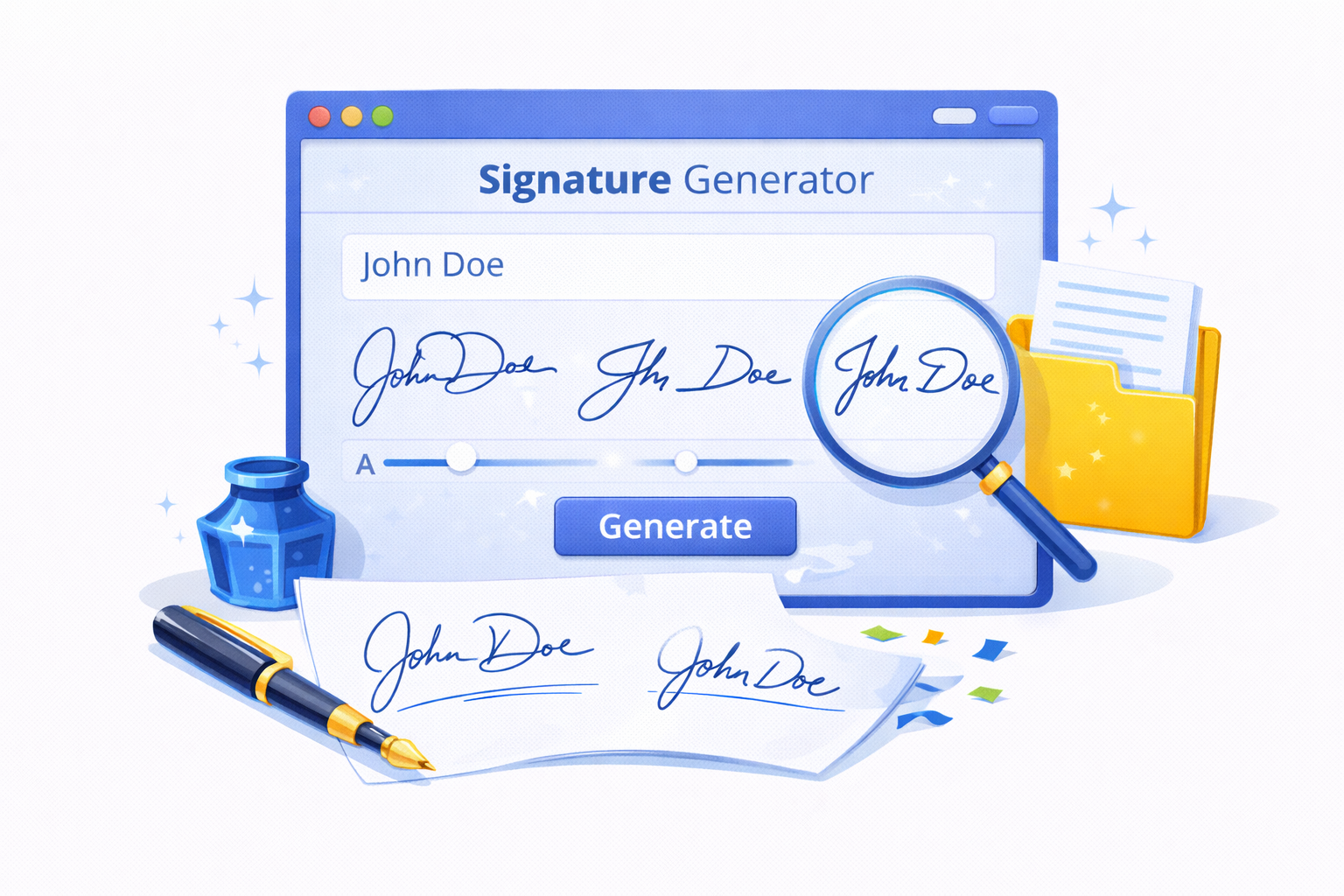
Create your digital signature online with our free Signature Generator. Draw, edit, and download your handwritten e-signature instantly.
Looking for a simple and fast way to create your personal signature? Our Signature Generator allows you to draw, design, and download a custom digital signature online in just a few clicks. Whether you need a handwritten style for documents or a professional-looking e-signature, this tool makes it effortless.
What is a Signature Generator?
A Signature Generator is an online tool that enables users to create digital signatures without the need for printing or scanning. You can draw your signature directly on a canvas using a mouse, stylus, or touchscreen device. After finishing, you can download the signature as a transparent PNG or use it in documents, emails, and contracts.
How to Use the Online Signature Generator
- Open the Signature Maker tool. Navigate to the online canvas.
- Draw your signature. Use your mouse, stylus, or finger on touchscreens to create your signature. Adjust the pen size if necessary.
- Edit or erase mistakes. The tool provides undo, redo, and eraser functions for corrections.
- Download your signature. Once satisfied, download it as a PNG with a transparent background for easy use in documents.
Features of Our Signature Generator
- Draw your signature directly online without software installation.
- Undo and redo to perfect your design.
- Adjust pen size for thick or thin strokes.
- Download transparent PNG for use in any document.
- Touchscreen-friendly, works on mobile and tablet devices.
- Easy and intuitive interface for quick signature creation.
Benefits of Using a Signature Generator
Creating a digital signature with an online generator saves time and ensures professional-looking results. Here are some advantages:
- Time-saving: No need to print, sign, and scan documents.
- Professional appearance: Create clean, readable signatures.
- Versatile usage: Apply to contracts, PDF documents, emails, and forms.
- Security: Digital signatures reduce the risk of document tampering.
Why Choose Our Online Signature Generator?
Our Signature Maker stands out because of its simplicity and reliability. With no registration required, you can start creating your signature immediately. The tool supports:
- Multiple devices (desktop, mobile, tablet)
- High-quality PNG output with transparency
- Fast and responsive drawing canvas
Tips for Creating the Perfect Digital Signature
Follow these tips to make a professional and aesthetically pleasing signature:
- Use smooth, continuous strokes for a natural look.
- Adjust the pen size to match your handwriting style.
- Take your time and use undo/redo functions to perfect it.
- Ensure the signature is legible and consistent.
FAQ About Signature Generator
1. Is it free to use the Signature Generator?
Yes, this tool is completely free and accessible online without registration.
2. Can I use it on mobile devices?
Absolutely! The canvas is touchscreen-friendly and works smoothly on smartphones and tablets.
3. In what formats can I download my signature?
You can download your signature as a PNG file with a transparent background, suitable for documents and digital use.
4. Can I edit my signature after drawing?
Yes, you can use the undo, redo, and erase functions to refine your signature until it’s perfect.
5. Is my signature stored online?
No, your signature is generated in your browser and is not stored on any server, ensuring privacy.
Conclusion
Creating a digital signature has never been easier. With our Signature Generator, you can draw, edit, and download your signature online in minutes. Perfect for professionals, students, and anyone who needs an electronic signature quickly and securely.
2 thoughts on “Signature Generator | Create Your Digital Signature Online”
Comments are closed.